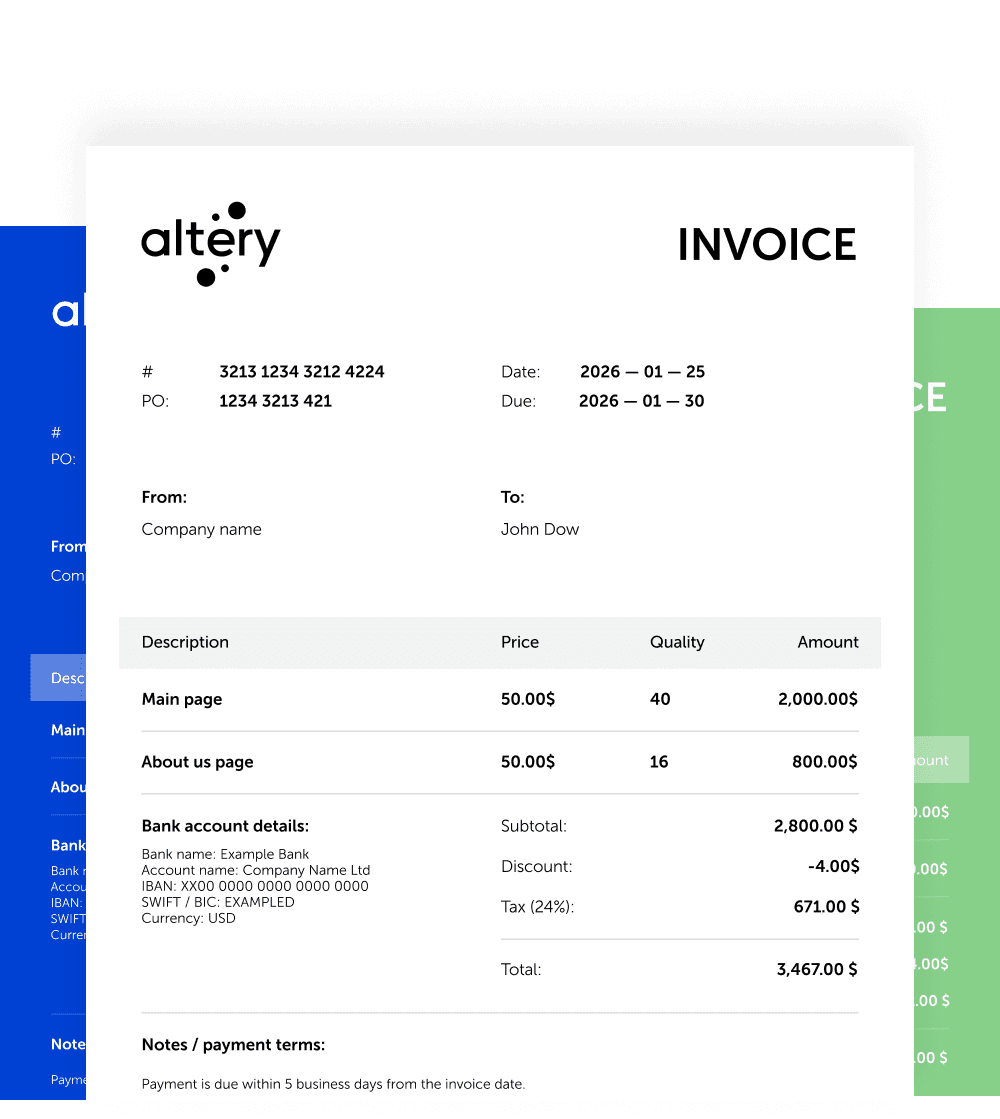
Business Contact Information
Your name, address, and email clearly displayed.
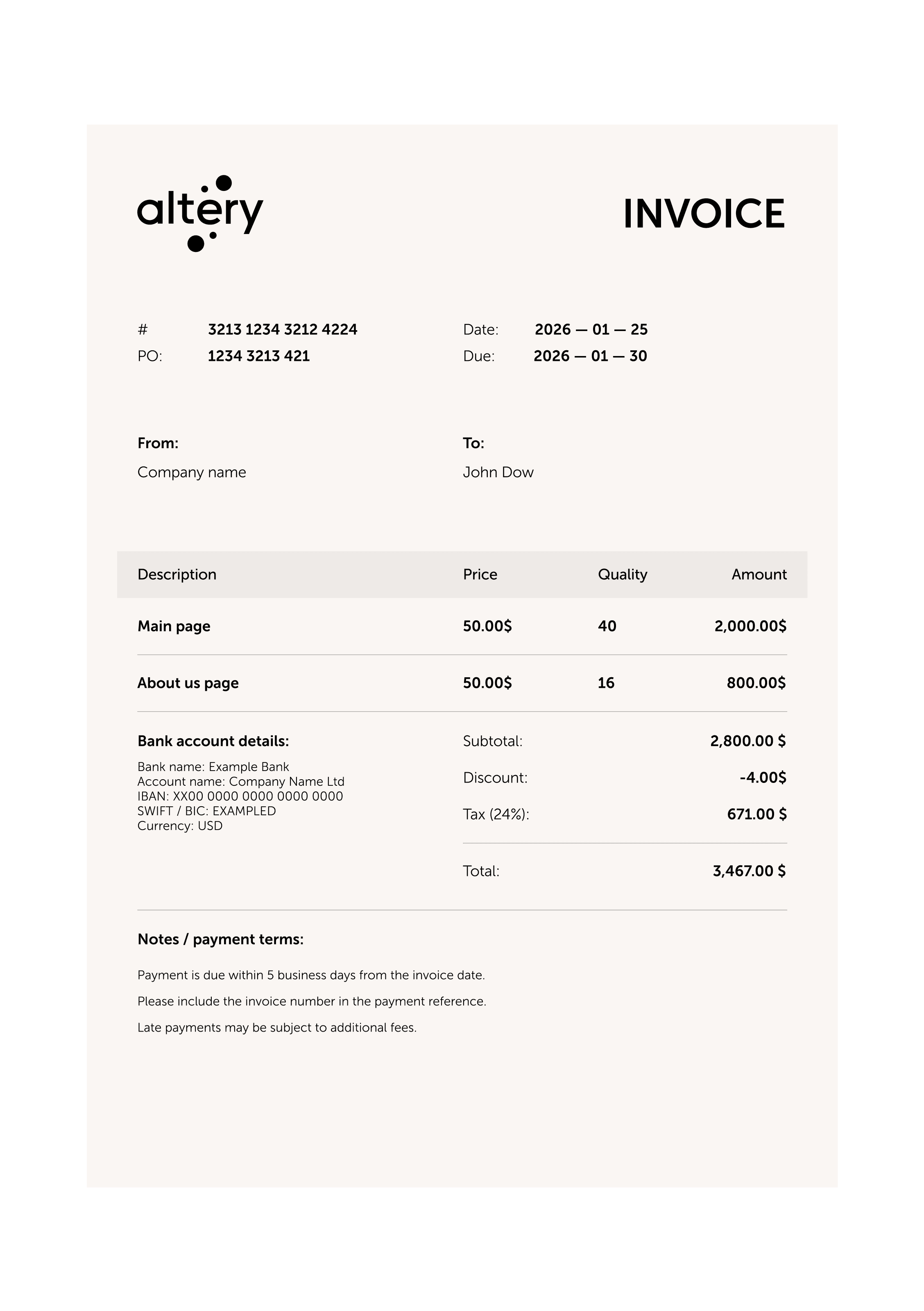
Your name, address, and email clearly displayed.
Who is being billed (attention to: line).
Unique identifiers for tracking and organization.
Automated formulas to calculate VAT or Sales Tax (if applicable).
Bold and clear visibility of the final sum.
Specifics on payment due dates and methods (e.g., Net 30).
A space for a personalized thank-you message or specific project notes.
Clear breakdown of unit price, labor, or billable hours.

Perfect for those who need automatic calculations. These files include formulas for tax calculations, discounts, and totals.Best for: Detailed breakdowns, expense reports, and data tracking.

Ideal if you prefer a text-based editor where you can easily manipulate the layout and add a service description. Best for: Simple layouts and easy text editing.

The industry standard for sending finalized documents. A PDF invoice template ensures your formatting stays locked and looks professional on any device. Best for: Final delivery to clients and securing the document against edits.
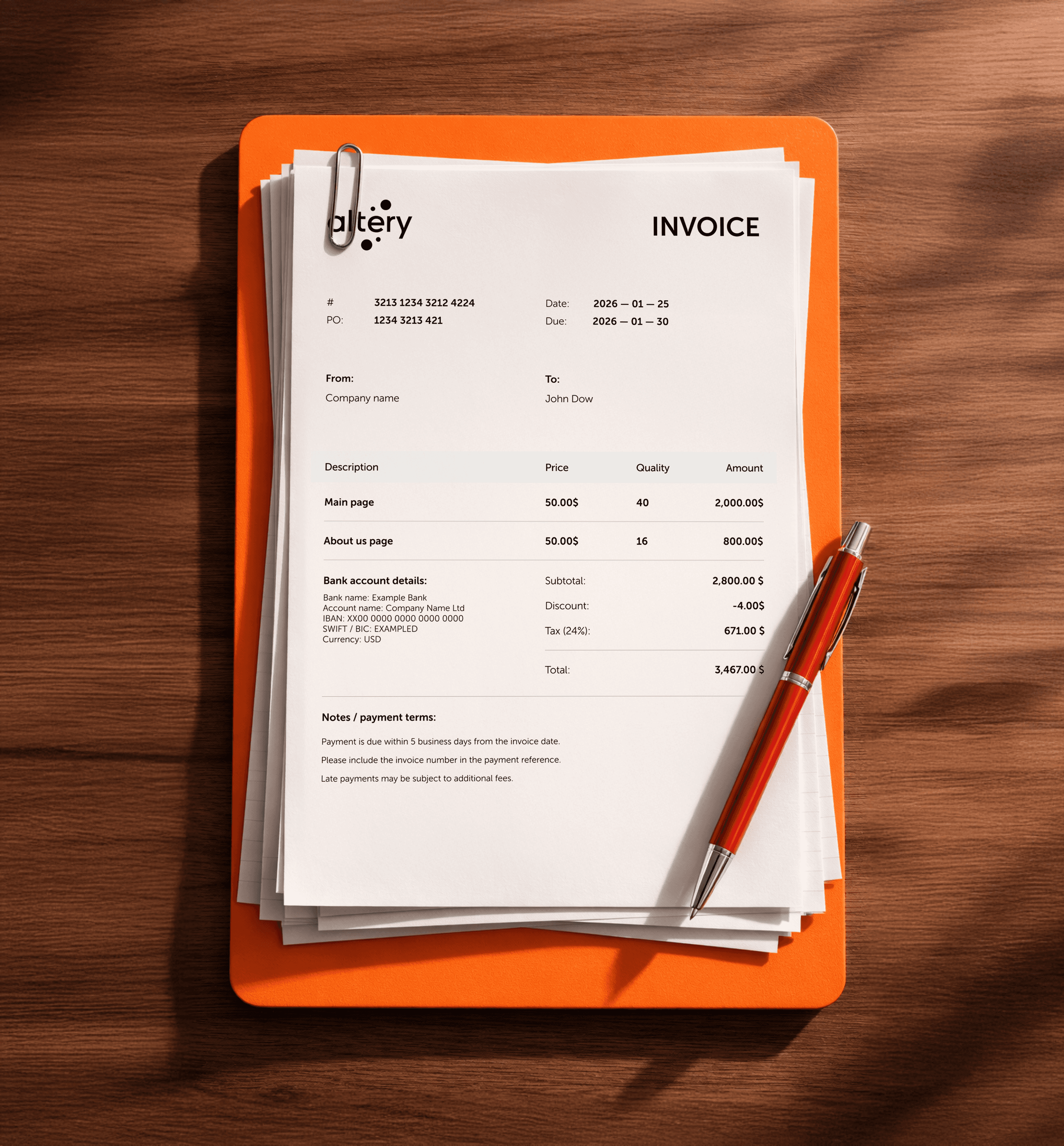

Clearly list your preferred methods, such as direct bank deposits, ACH payments, or links to online payment methods.
Always check for accuracy in the client information and service details before downloading.
Explicitly state your payment terms (e.g., "Due upon receipt" or "Net 15") to avoid confusion.
Clients pay faster when they can use online payment methods or credit cards.
Use automated late payment reminders if a payment is overdue.
Mentioning a small fee for late payments in your contract and invoice notes can encourage punctuality.
For long {Industry} projects, use milestone invoicing or interim invoices to maintain cash flow throughout the project lifecycle.
Always export your final design as a PDF to ensure the client sees a clean layout exactly as you intended.
" height="22.166641865914727px" id="Nr_fQDA7l" transform="translate(16.917 16.917) rotate(45 11.083 11.083)" width="22.166602500000007px"/><path d="M 19.179 0.513 C 19.863 -0.171 20.971 -0.171 21.654 0.513 C 22.275 1.134 22.332 2.106 21.823 2.791 L 21.654 2.987 L 2.987 21.654 C 2.304 22.337 1.196 22.337 0.513 21.654 C -0.109 21.033 -0.165 20.061 0.343 19.376 L 0.513 19.179 Z" fill="rgb(50, 50, 50)" height="22.166602500000007px" id="GsRloG2pL" transform="translate(16.917 16.917) rotate(45 11.083 11.083)" width="22.166641865914727px"/></svg>)