Accounting Software for Mac: Compare the Best Options

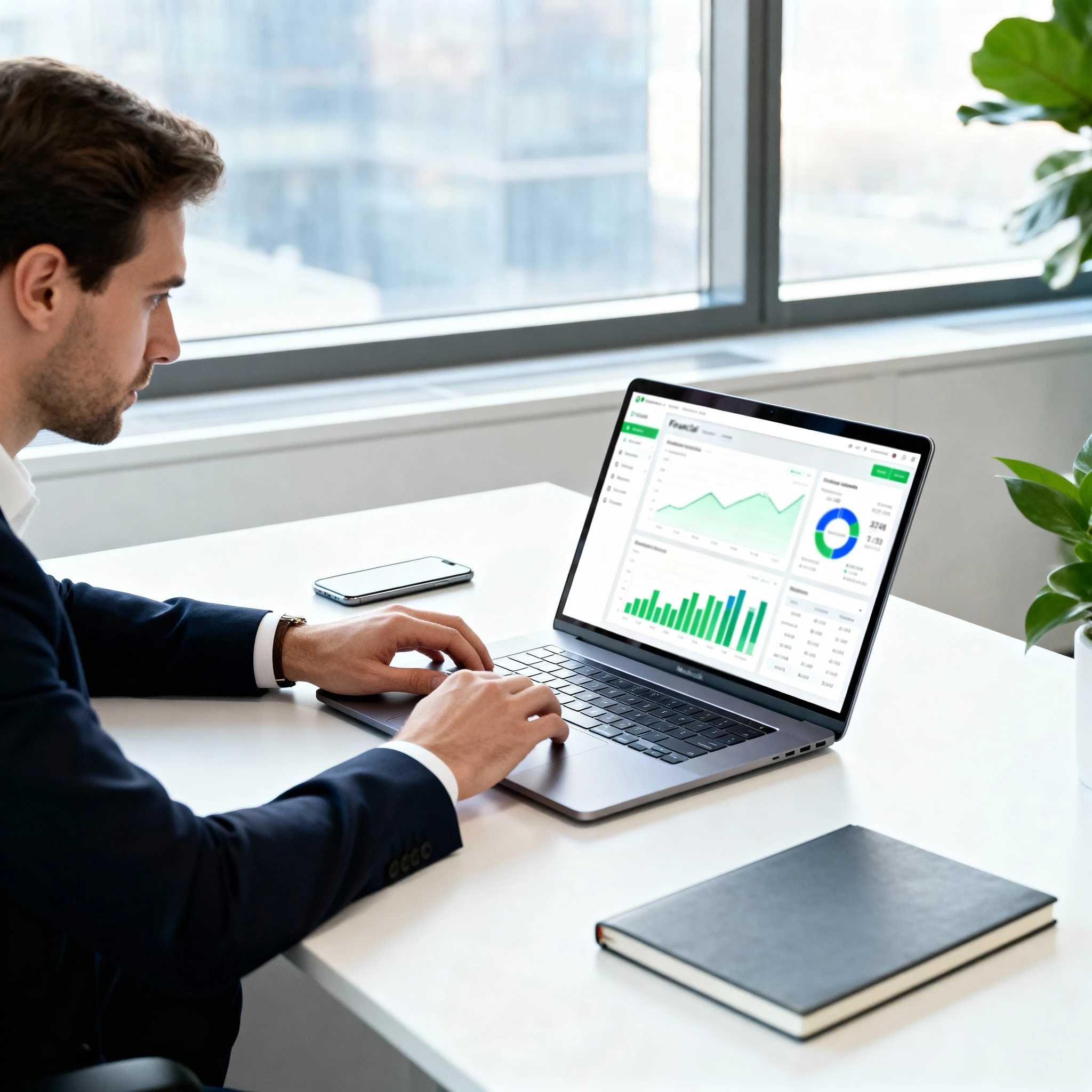
Tired of clunky spreadsheets or accounting software that doesn't feel right on your Mac? This definitive guide is for UK-based freelancers, small businesses, and startups who demand a seamless, intuitive financial workflow. We dive deep into the best Mac-compatible accounting software, comparing cloud and desktop options, breaking down essential features like invoicing and bank reconciliation, and exploring scalability, mobile apps, and transparent pricing. Make an informed decision and find the perfect accounting partner that complements your Apple ecosystem and helps your business thrive.
As a Mac user running a business in the UK, you hold your tools to a higher standard. You’ve invested in an ecosystem celebrated for its intuitive design, seamless integration, and powerful performance. Yet, for years, the world of business finance software often felt like an afterthought—a landscape of clunky, Windows-first applications that disrupted the very workflow you meticulously crafted.
The days of wrestling with cumbersome spreadsheets or settling for ill-fitting software are over. Those makeshift solutions are not just frustrating; they are a liability. They consume valuable time, are prone to human error, and create a disconnected financial picture that can hinder your growth. The right accounting software doesn't just manage your numbers; it becomes a natural extension of your Mac-powered business, an intelligent partner that brings clarity and control to your finances.
Open an Altery Business account for your mac
Start onboardingCore Features That Will Transform Your Business Finances
Excellent accounting software is defined by its ability to solve your most pressing financial challenges. Look beyond the feature list and focus on how these tools can streamline your operations.
Invoicing and Payments: Get Paid Faster
The gap between doing the work and getting paid can make or break a small business. Modern software transforms this process from a chore into an efficient, automated system. Look for the ability to create beautifully customised invoices that reflect your brand. For businesses with multiple clients, the power to generate batch invoices is a huge time-saver. If you work on retainers, setting up recurring payments ensures a predictable cash flow. Crucially, the best platforms allow you to add a payment link directly to your invoice, enabling clients to pay you instantly online.
Expense and Receipt Management: Tame the Paper Trail
Forget the shoebox full of crumpled receipts. Today’s software lets you snap a photo of a receipt with your mobile app, and it will use optical character recognition (OCR) to automatically pull the key data. This moves beyond simple record-keeping into intelligent expense management. You can set up rules for automated expense type classification (e.g., all TFL charges are 'Travel') and easily track recurring monthly expenses to better manage your budget.
Bank Reconciliation: Achieve Financial Clarity in Minutes
Bank reconciliation used to be a dreaded monthly task of manually ticking off transactions. Now, it's the cornerstone of financial clarity. By securely connecting your business bank accounts, the software performs an automatic bank transaction import. Your role shifts from data entry to simple confirmation. You are presented with your bank transactions alongside your recorded income and expenses, and you simply match them up. This process, which once took hours, can now be done in minutes, giving you a constantly up-to-date and accurate view of your financial position.
Reporting and Insights: Make Data-Driven Decisions
Your financial data is more than just a record; it's a guide. Good software makes it effortless to generate crucial financial reports, like a profit & loss report or a balance sheet, at the click of a button. But the real power lies in the dashboard. A well-designed dashboard gives you a real-time view of your business health—cash flow, outstanding invoices, profitability, and spending trends—all in one place. The ability to tailor reports helps you dig deeper, analysing profitability by project or client.
Advanced Needs: Tools for Growth
As your business grows, your needs will evolve. Consider software that offers:
- Inventory Management: Essential for any business selling physical products.
- Payroll Services: Integrated payroll simplifies paying employees and handling HMRC requirements.
- Mileage Tracking: For many freelancers and business owners, mileage is a significant tax-deductible expense. Integrated tracking makes claiming it simple and accurate.
The Apple Experience: Why Seamless Design Matters in Accounting
As a Mac user, you understand that a great user experience isn't a luxury; it's a prerequisite for productivity. A cluttered, confusing interface creates friction, costs you time, and adds unnecessary stress to managing your finances.
Intuitive Interface
The best accounting software for Mac embraces a beautifully simple design philosophy. The Xero dashboard, for instance, is a masterclass in presenting complex information in a clean, digestible format. It provides an at-a-glance overview of your bank balances, outstanding invoices, and upcoming bills without overwhelming you. From a well-organised chart of accounts to a simple, clean checkbook register, every element should feel logical and intuitive, making complex accounting tasks feel manageable.
Effortless Onboarding
Getting started shouldn't require an accounting degree. The setup process should be smooth and guided. Services like a QuickBooks Live expert guided setup are invaluable, offering one-on-one help to connect your bank accounts, configure your settings, and ensure you're starting on the right foot. This initial investment in a proper setup creates a seamless experience from day one.
Workflow Automation
A superior user experience is ultimately about efficiency. It's about building a workflow creation and management system that works for you. This means setting up automated reminders for overdue invoices, creating rules to categorise transactions automatically, and using bookkeeping automation to handle the repetitive tasks that drain your day. The software should work for you, not the other way around.
From Sole Trader to Growing Enterprise: Finding Software That Scales With You
Your business today might just be you, but your ambitions are likely much bigger. Choosing software that can grow with you is one of an entrepreneur's most important long-term technology decisions.
Scalability
Consider how the software accommodates growth. Can you easily add new users as you build your team? Does the platform differentiate between a standard and a billable user (like an external accountant) who may not count towards your user limit? Can it handle multiple locations or even multiple businesses under a single login? A scalable solution means you won't have to go through the painful process of migrating to a new system just as your business is hitting its stride.
Flexibility and Customisation
Every business is unique. Your accounting software should be adaptable. For creative agencies, consultants, or contractors, the ability to use tags or categories to track income and expenses by project, client, or department is crucial. This allows you to generate reports that show you exactly which parts of your business are most profitable, providing insights that are impossible to glean from a generic setup.
Industry-Specific Needs
While most leading platforms are designed to be general-purpose, some have developed features that cater to specific sectors. Whether you're an accounting firm that needs practice management tools or an e-commerce business with complex inventory and multi-currency needs, it’s worth investigating if a platform offers specialised toolkits or integrations for your industry.
Your Office on the Go: Mastering Finances with Mobile and App Integrations
For the modern entrepreneur, work isn't confined to a desk. Your office is wherever your MacBook, iPad, or iPhone happens to be. Your accounting software must be just as mobile as you are.
Mobile Apps
A powerful mobile app is non-negotiable. Leading solutions like the QuickBooks Online mobile app or the Xero Accounting app are not just scaled-down versions of the web platform; they are robust tools in their own right. From your iPhone, you should be able to create and send an invoice the moment a job is finished, capture a receipt for a client lunch, check your real-time account balance before making a purchase, and respond to customer queries.
Cross-Platform Harmony
While our focus is on the Mac, true flexibility means catering to a diverse tech environment. Most premier cloud solutions also offer excellent apps for Android phones and tablets. This ensures that even if you have team members or contractors who don't use Apple devices, everyone can access the system and contribute seamlessly.
The Power of Integration
Think of your accounting software as the central hub of your business's technology stack. Its true power is unlocked when it connects with the other tools you use every day. This is the power of integration. You can connect to payment gateways like Stripe or GoCardless, with services like QuickBooks Payments integrating directly. You can link time-tracking software, like QuickBooks Time mobile app, to automatically generate invoices from timesheets. From project management to CRM, these connections create a fully integrated system that eliminates duplicate data entry and provides a single source of truth for your entire operation.
Beyond the Software: The Importance of Reliable Support and User Reviews
Your relationship with a software provider doesn't end at the checkout. When you have a question about VAT returns or run into a technical issue, the quality of their support is paramount.
Customer Support
Support comes in many forms. Most providers offer extensive DIY knowledge bases and community forums. For direct help, you’ll want the ability to contact a support team via chat, email, or phone. Premium tiers or add-on services might offer access to a live bookkeeper or on-demand training to help you master the platform.
Community and Feedback
Before committing, read a detailed review from other UK business owners. Look for feedback on customer service, ease of use, and reliability. Pay close attention to the developer response to negative feedback; a company that actively engages with criticism and works to solve user problems is a company you can trust.
Expert Assistance
Even with the best software, you may need professional help. Many platforms now offer direct access to an outside tax accountant or live experts who can assist with complex tasks like year-end accounts and tax filings, bridging the gap between software and professional service.
Your Questions Answered: Common Mac Accounting Software Queries
Can I easily switch from my current system (like spreadsheets or another software)? Yes. Most modern platforms have a streamlined onboarding process. You can typically import customer lists, supplier details, and your chart of accounts via CSV files. Many also offer a dedicated online migration tool or service to help you move historical data from a previous system by exporting documents and transaction histories.
Is my financial data secure in the cloud? Absolutely. Cloud accounting providers use industry-standard security measures, including multi-layer encryption, to protect your data. Your information is subject to automatic data backup and recovery protocols, meaning it's often far safer than it would be on a single laptop that could be lost, stolen, or damaged.
What if I need help with my bookkeeping? You have options. Beyond standard customer support, many platforms offer premium services. For example, QuickBooks Live expert assisted services can connect you with a certified bookkeeper who can help categorise transactions, reconcile accounts, and close your books, providing professional oversight directly within the software.
Can this software help me with my UK tax obligations? Yes, significantly. These platforms are designed with UK requirements like Making Tax Digital (MTD) for VAT in mind. They can help calculate your VAT liability and file returns directly with HMRC. Features like automated tax payments and filings and comprehensive reporting make it much easier to prepare for your Self Assessment or Corporation Tax return and collaborate with your accountant.
Conclusion: Making the Right Choice for Your Mac-Powered Business
Choosing your accounting software is one of the foundational decisions you will make for your business. The "best" software isn’t a one-size-fits-all solution; it’s the one that aligns perfectly with your needs and ambitions.
As you weigh your options, return to the key decision points. Start with the fundamental choice: the ubiquitous flexibility of the cloud or the data control of a desktop application? Scrutinise the core features, ensuring they solve your most significant pain points. Consider scalability—will this platform support you in one, three, or five years? Finally, investigate the support structures and community reputation that stand behind the software.
There is no substitute for hands-on experience. I urge you to take advantage of the free trials offered by the leading contenders. Connect your bank account, create an invoice, run a report. See how it feels. The right choice will feel less like a tool you have to use and more like a partner that empowers you.
Now is the time to move beyond the limitations of spreadsheets and embrace a solution that brings clarity, efficiency, and confidence to your financial management. Take this next crucial step, get your finances organised, and unlock the full potential of your Mac-powered business.
Frequently asked questions
Not at all. Modern accounting platforms are designed for easy migration. You can typically import customer and supplier lists, and your chart of accounts using simple CSV files. Many also offer guided setup and support to connect your bank accounts, ensuring a smooth transition from day one.
No. That's the beauty of cloud software. It runs in your web browser (like Safari or Chrome), so it's platform-independent and works identically on a Mac, a Windows PC, or even a Chromebook. The accompanying mobile apps are available directly from the Apple App Store for your iPhone and iPad.
Cloud accounting software makes collaboration effortless and secure. Instead of sending files back and forth, you can simply grant your accountant user access to your account. They can then log in from their own office to view reports, make adjustments, and prepare your tax filings in real-time.
Yes, absolutely. All reputable accounting software platforms serving the UK market are fully compliant with HMRC's Making Tax Digital (MTD) for VAT. They are designed to calculate your VAT liability and allow you to file your return directly with HMRC from within the application, saving you time and reducing errors.
Your data is extremely secure. Cloud accounting providers use bank-level security, including multi-factor authentication and advanced encryption, to protect your information. Your data is also automatically backed up on secure servers, making it significantly safer than keeping it on a single computer that could be lost, damaged, or stolen.
Start your Altery Business onboarding for your mac
Start onboardingThis guide is provided for general informational purposes only and does not constitute legal, tax, financial, or other professional advice from ALTERY LTD or its affiliates. It should not be used as a substitute for advice from qualified professionals.
Altery makes no representations, warranties, or guarantees, whether express or implied, that the information in this guide is accurate, complete, or up to date.
Related articles